Find scenes from markers
Create candidate clips from GPX and marker CSV files. Correct clock differences between camera and GPX, or trim with video alone.
Jump from long recordings to the moments you marked. Turn Vroma markers into candidate clips, adjust the range while watching, and save video and audio without re-encoding.
Mac · macOS 15+ · Apple Silicon
GitHub · Source only · Requires Xcode / Swift 6
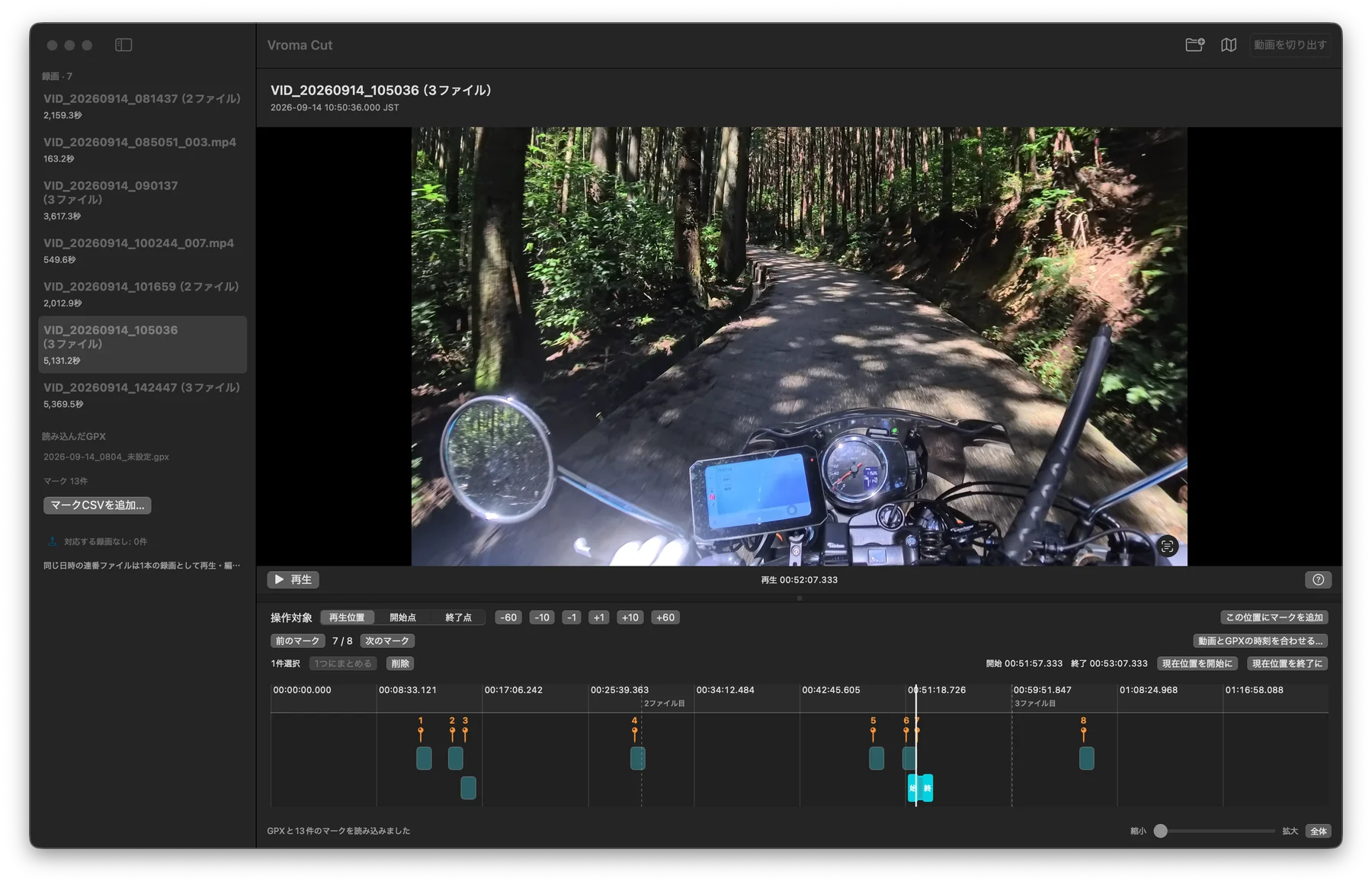
Create candidate clips from GPX and marker CSV files. Correct clock differences between camera and GPX, or trim with video alone.
Copy compressed video and audio data without re-encoding loss. The saved range may extend beyond your selection to reach playable boundaries.
Play supported split recordings as one sequence and save a range across file boundaries as a single MP4. Edit the next clip while exporting.
Mac · macOS 15+ · Apple Silicon
GitHub · Source only
Complete Xcode setup, then use the commands below to fetch and build the source. No prebuilt app or installer is distributed.
Choose the video folder and GPX file. A matching marker CSV in the same folder is loaded automatically.
Adjust a candidate’s start and end points, then review the range and destination before exporting. Add markers in the video if you have none.
Current exports support one HEVC video track, one AAC audio track and supported timecode. Export stops when internal recording time is unavailable or unsupported extra tracks are present.
Original video, GPX and marker CSV files are unchanged. Editing state is discarded when you quit. Camera-specific metadata is saved separately, without a guarantee of original-file reconstruction or reuse in vendor software.
Requires macOS 15+, Apple Silicon and Xcode with Swift 6. Open Xcode once to complete setup, then select Xcode in Settings → Locations → Command Line Tools. Intel Macs and Universal builds are unverified.
git clone https://github.com/tsuyukimakoto/vroma_cut.git
cd vroma_cut
./scripts/build.sh
open '.build/Vroma Cut.app'
The first build downloads and builds official FFmpeg source. Homebrew, Node.js and an installed FFmpeg command are not required. The resulting app is ad-hoc signed for local use and is not notarized.