Chrova
Find that photo by the place.
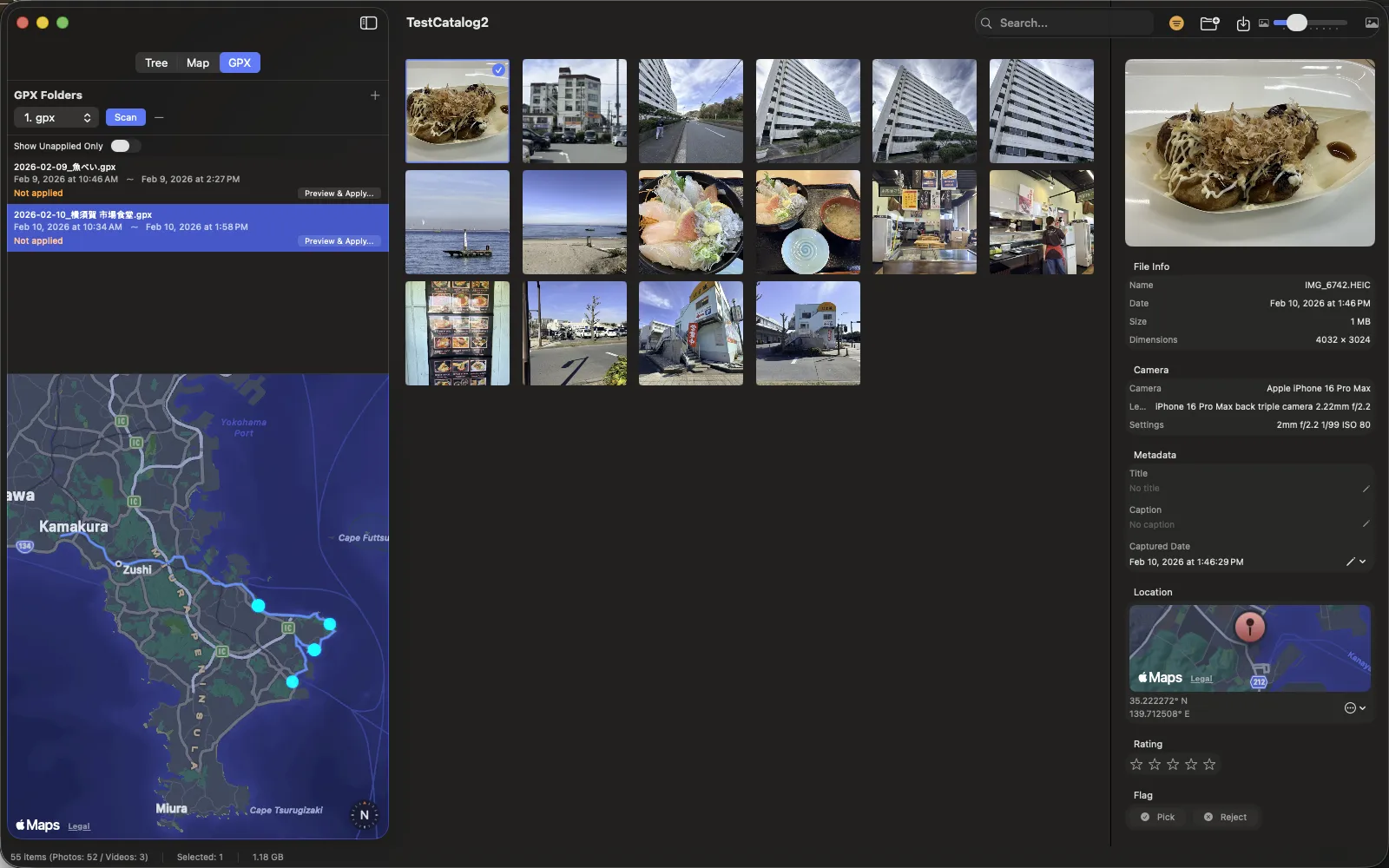
Bring Vroma GPX files into Chrova. Match photos to the trip’s time range and explore by place. Review suggested locations for photos without GPS.
Vroma → GPX → Chrova
Explore the app and how to use it ↗
Don’t leave a good day buried in your files.
Record the route. Find the photos. Keep the best clips.
Enjoy the journey long after you get home.
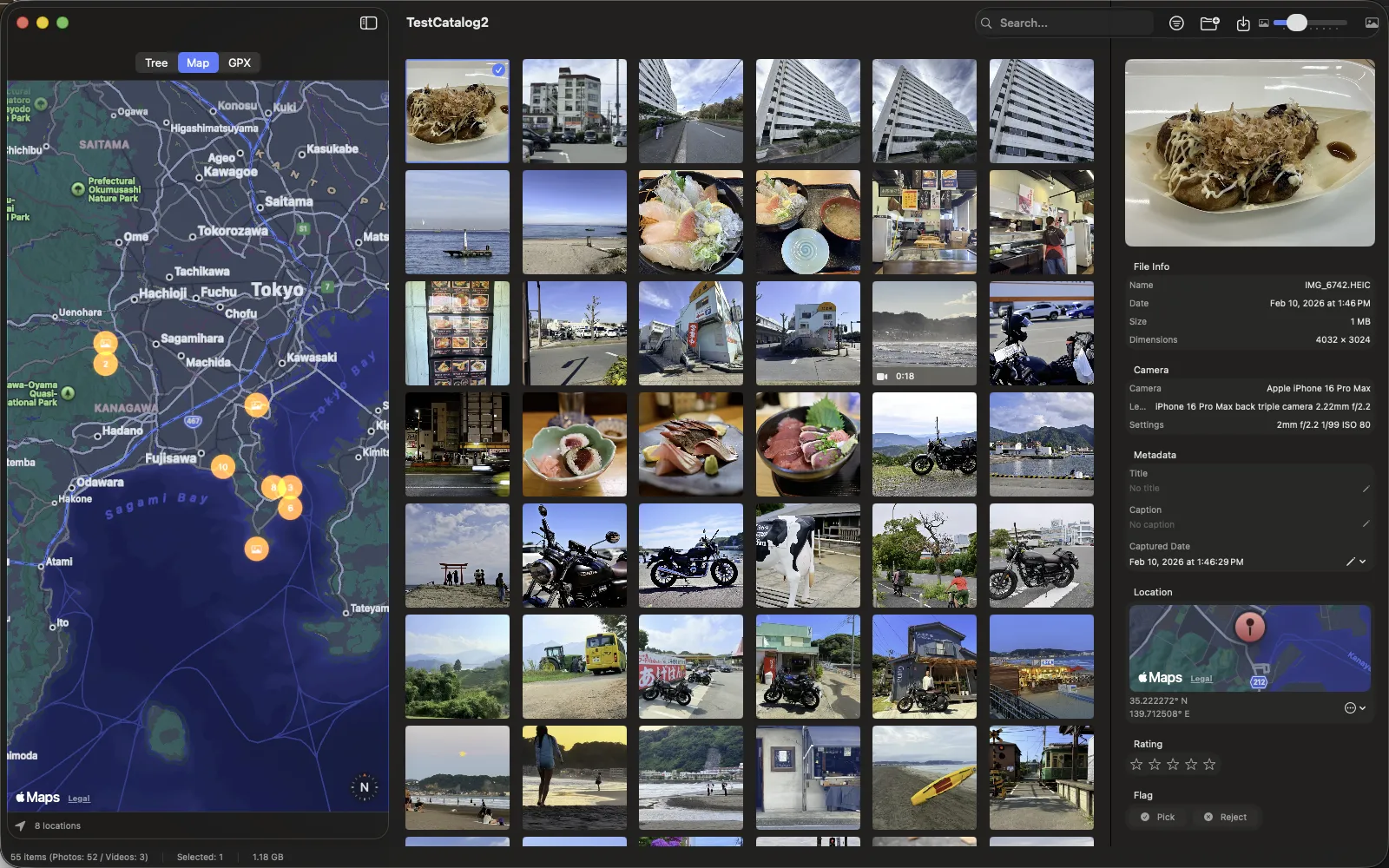
Routes, photographs, hours of footage.
Choose what you want to do with what you brought home.
Bring Vroma GPX files into Chrova. Match photos to the trip’s time range and explore by place. Review suggested locations for photos without GPS.
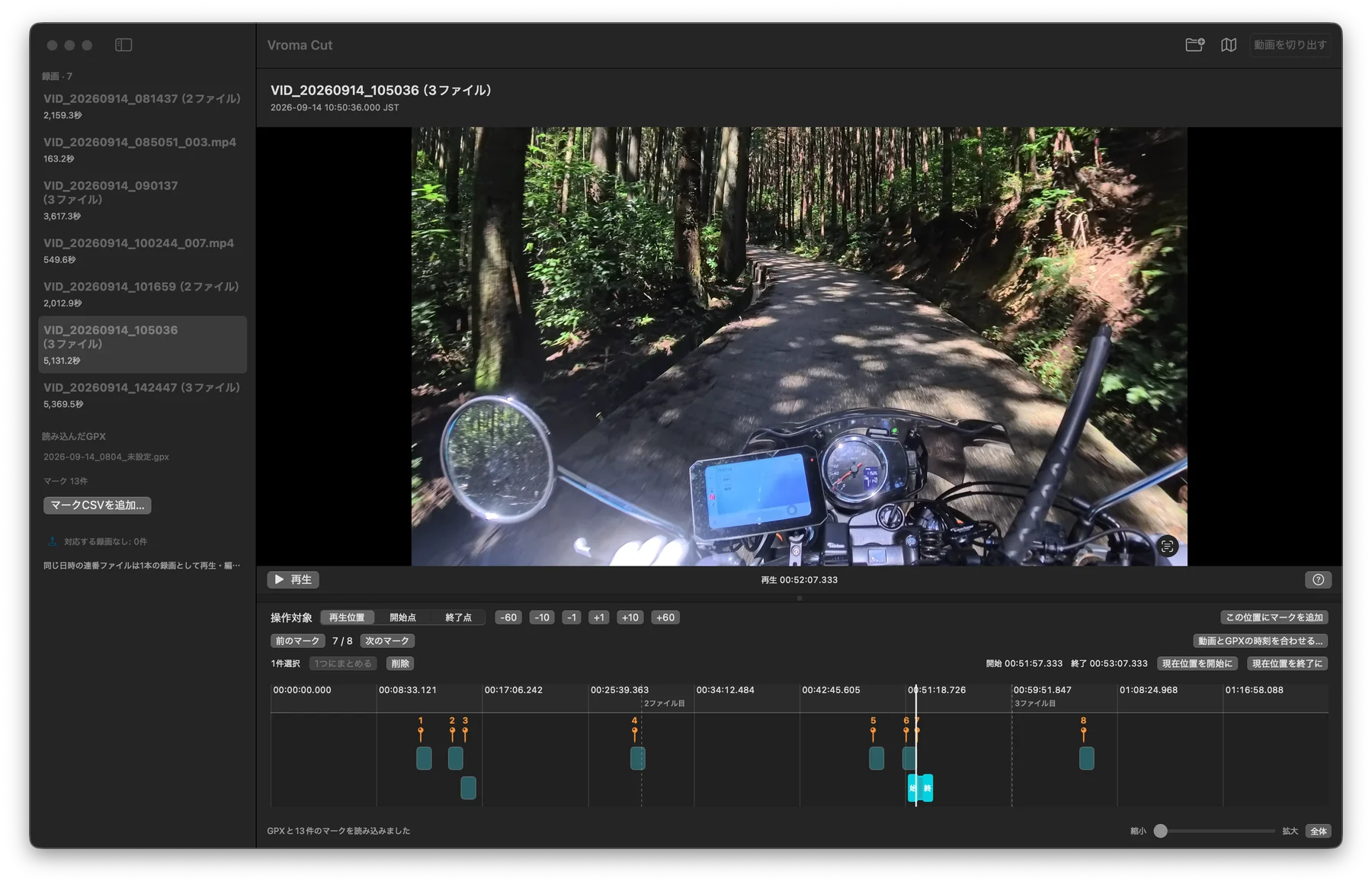
Open trip markers in Vroma Cut to create candidate clips. Review the footage, adjust the range and save without re-encoding. Build this tool yourself from source.
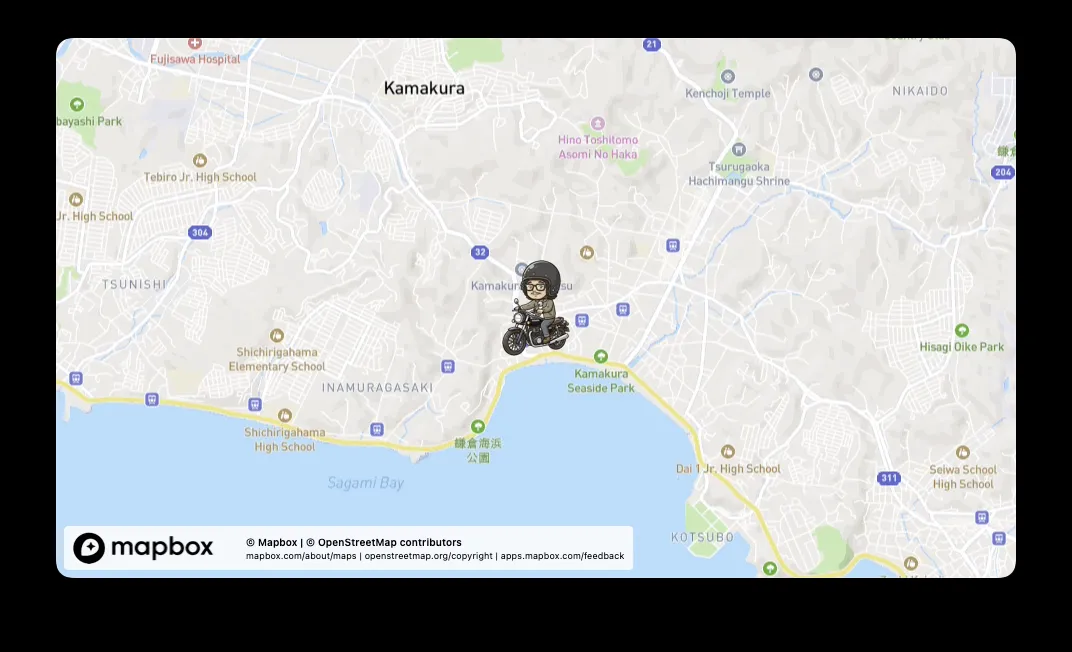
Load your GPX in Vroma Studio and export a video following the route. Add a map overview to your footage. Requires your own Mapbox token.
No need to get them all.
Start with one app for recording, organizing or editing.
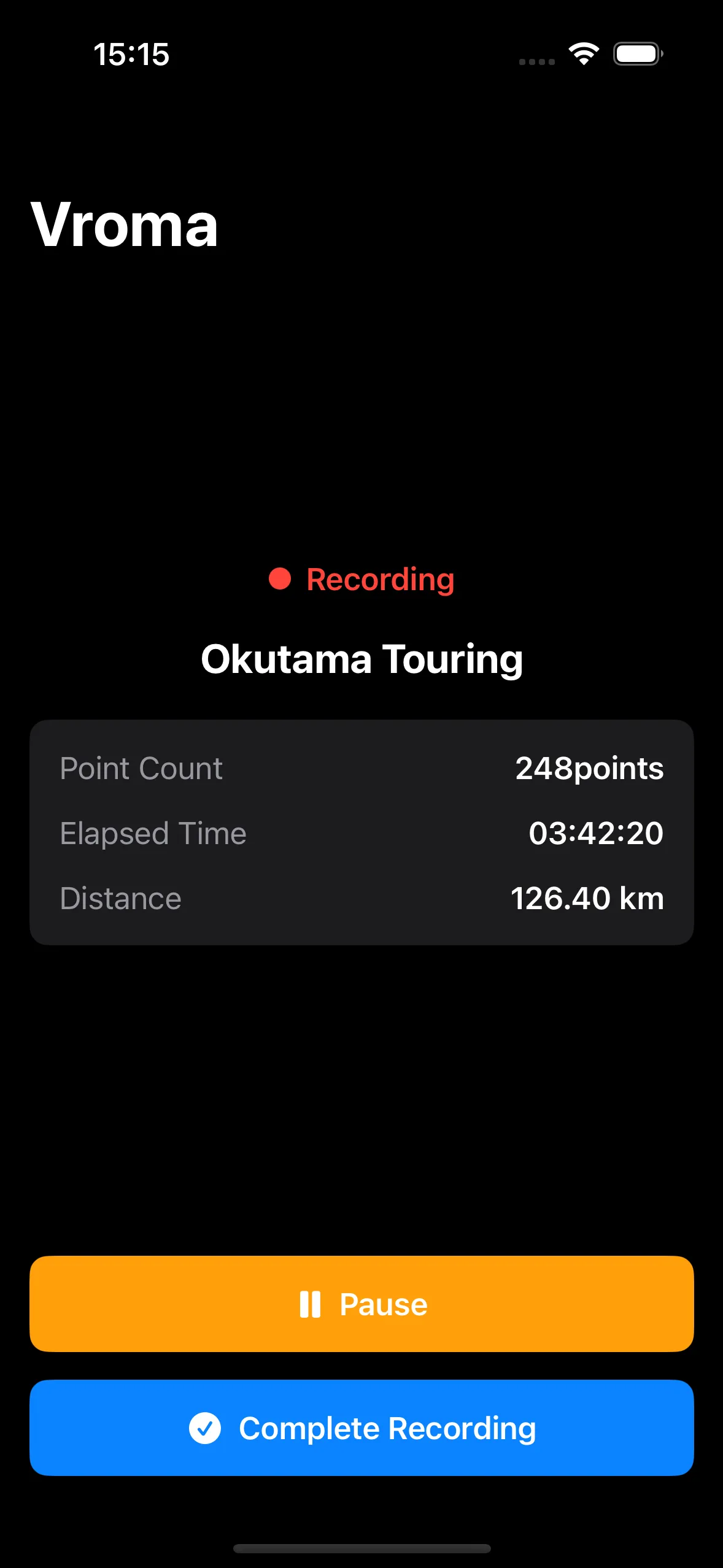
Record your route. Mark the moments to return to.
02
Explore, edit and replay GPX routes on your Mac.
03
Find local photos and videos by date, place and rating.
04
Export a map video that follows your GPX route.
05Use markers to trim footage without re-encoding.
GPX connects places and photos. Marker CSV files help you find scenes in a video. Follow the steps to bring your files from one app to the next.