Record in the background
Record your location with the screen off. Browse your history by date and review distances and routes.
 Vroma
Vroma
Start recording before you set off, then put your iPhone away. Save the route as GPX and mark moments along the way—ready to revisit with your photos and footage.
iPhone · iOS 18+
App Store

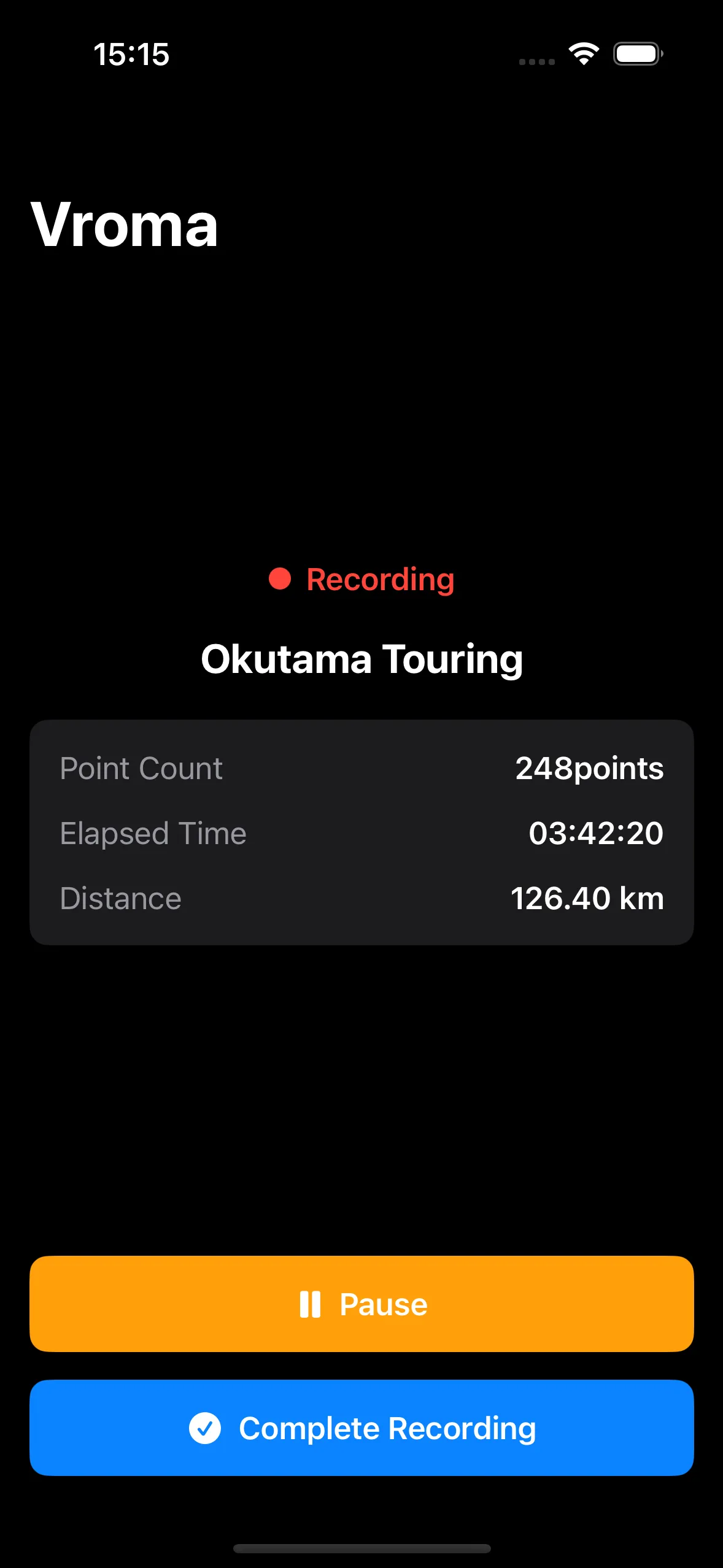
Record your location with the screen off. Browse your history by date and review distances and routes.
Save a marker using the recording screen or Siri’s “Mark with Vroma.” Add a comment when you want to, including later.
Start recording and save markers from CarPlay. Optionally connect an Insta360 X5 to control recording and check battery and storage.
Choose a folder for GPX exports and allow location access “Always.” Then start recording.
Save a marker at a place you want to revisit. Stop safely before operating your iPhone.
Finish the recording to export GPX and marker CSV files. Copy them to your Mac and open them in the app you need.
Yes. Recording, history and GPX export work on iPhone. The Mac apps add route editing and workflows for photos and video.
No. X5 integration is optional. Insta360 X5 has been tested; other X-series models are unverified. Ace Pro 2 is not supported by the current iOS SDK. See support for setup details.
Check the App Store for compatibility and distribution details.
Routes, photos and footage. Follow the file handoffs and discover how the apps work together.