Background Recording
No need to keep your screen open while riding.
Vroma / Vroma Studio
Record on iPhone, refine on Mac, and export as a map video.
Vroma and Vroma Studio turn touring logs into memories you can keep and revisit.
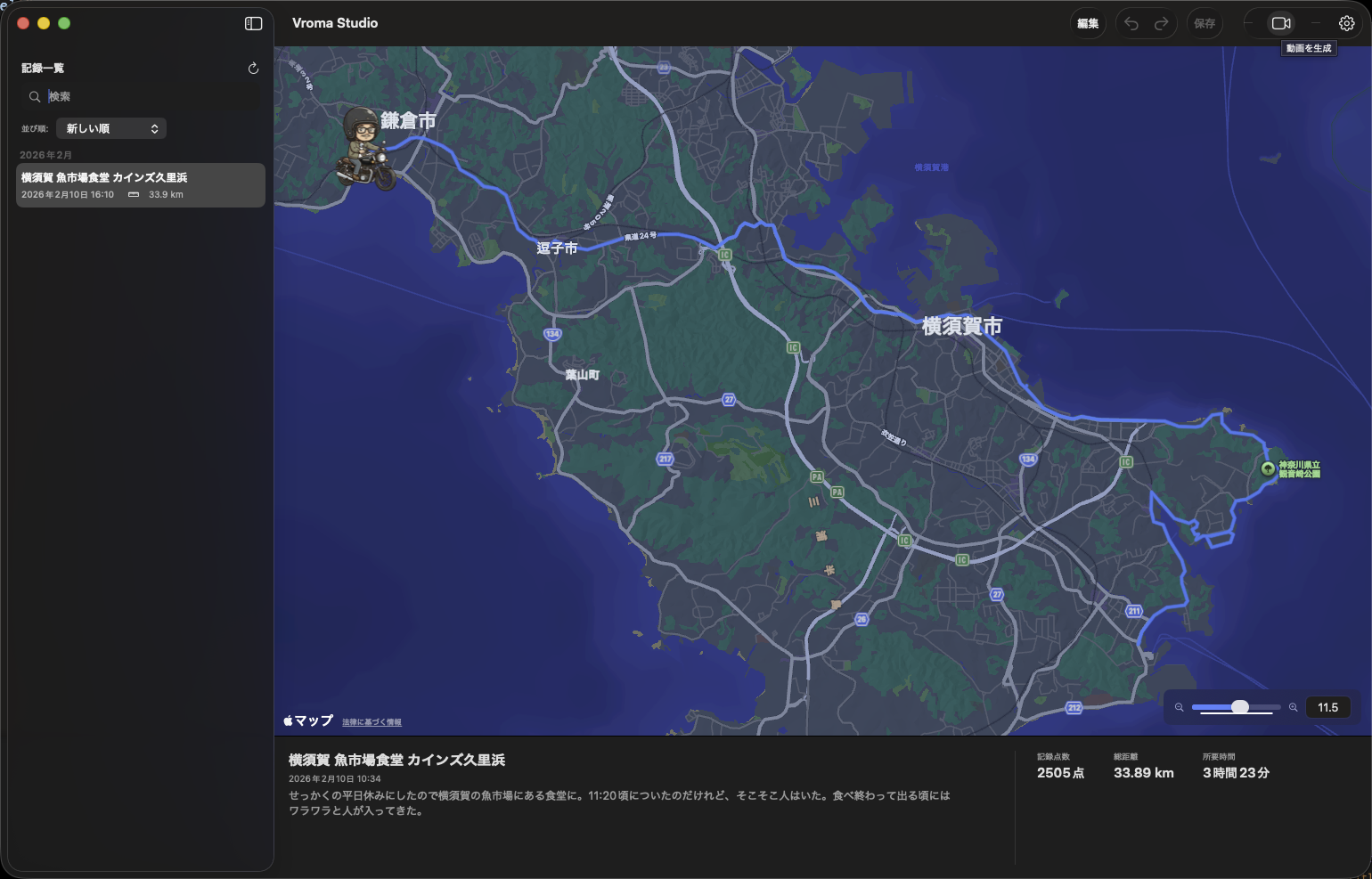
When sharing touring records, the trickiest parts are often the start and end points. If your home area is visible as-is, sharing can feel risky. GPS drift in tunnels can also leave tracks that look off when you review them later.
After recording in Vroma, you can edit your route in Vroma Studio. You can adjust start and end points for public sharing, and clean up drifted points. You keep a real ride record while shaping it into something easier to share.
Enter a tour name and start recording. Tracking continues automatically in the background while you ride.
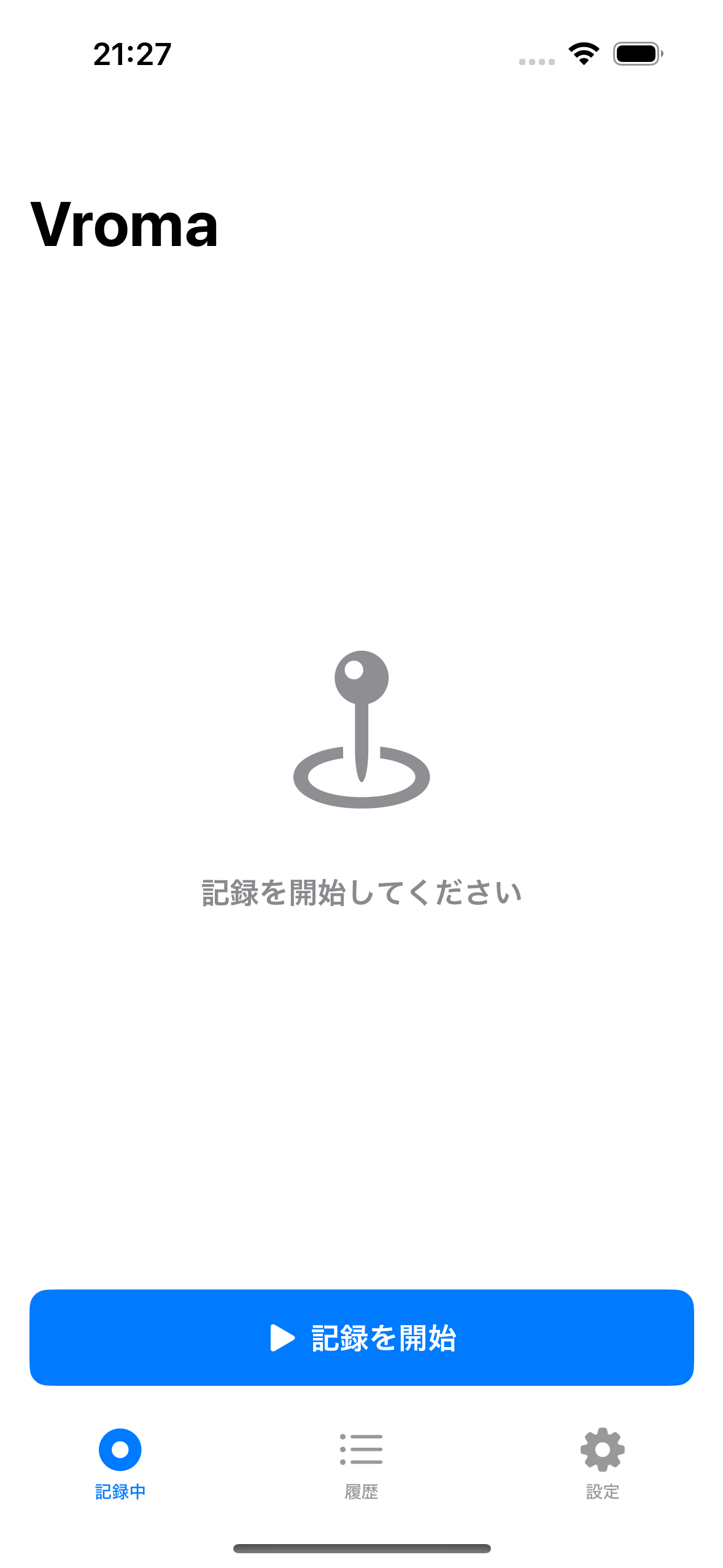
Import GPX files, check the route on a map, and adjust only the points you need.
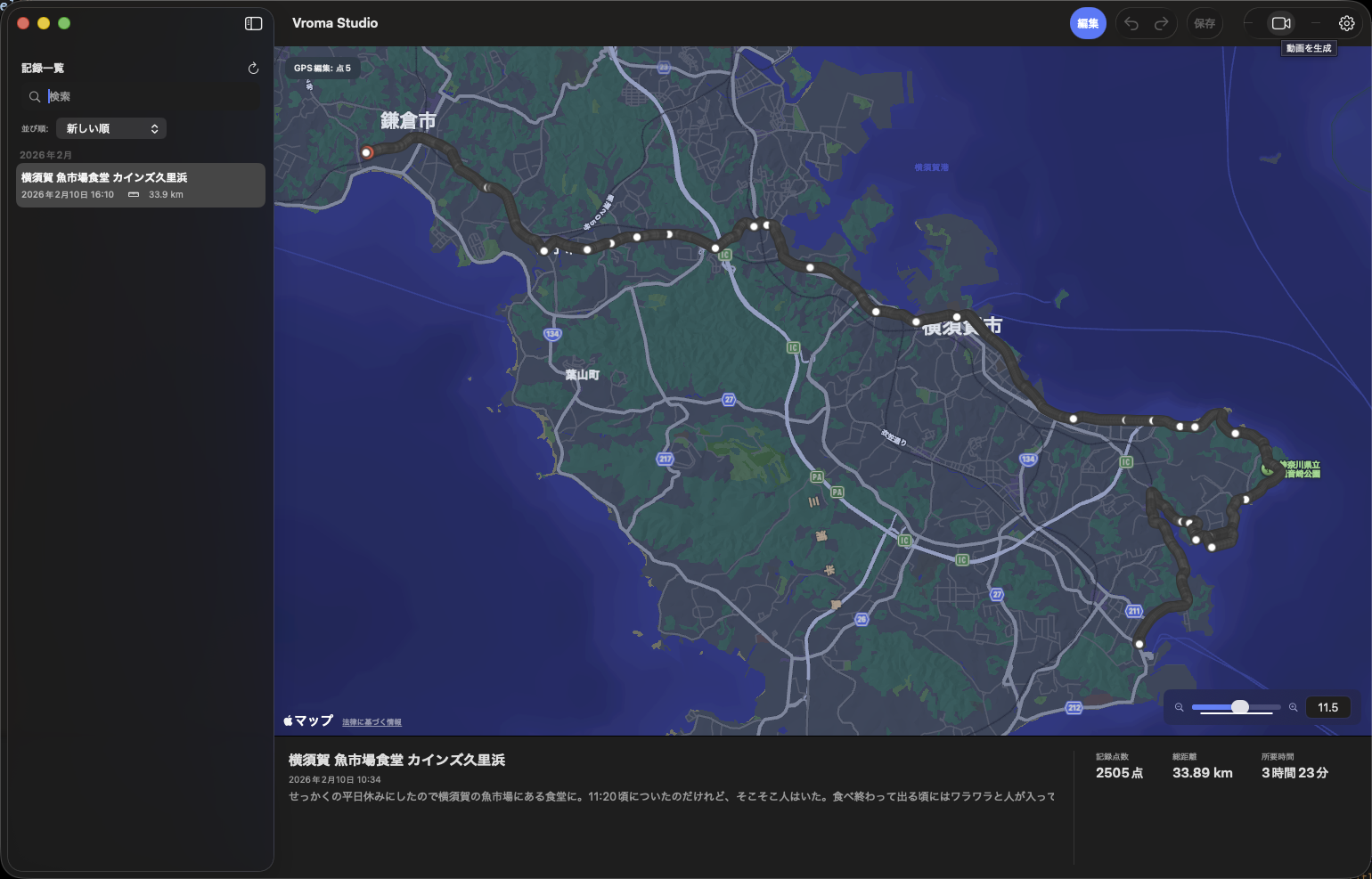
Set playback time and resolution, then export. Great for route sharing and looking back on your ride.
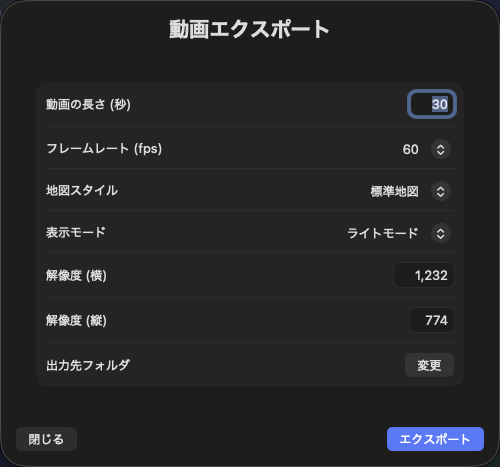
No need to keep your screen open while riding.
Fix drifted points and adjust start/end locations before sharing.
Turn your ride route into a short map video.
Browse and revisit past tours in one list.
Vroma does more than just record. It lets you edit the points that matter for safer sharing after the ride. Avoid places you do not want to expose, while keeping the highlights of your tour intact.
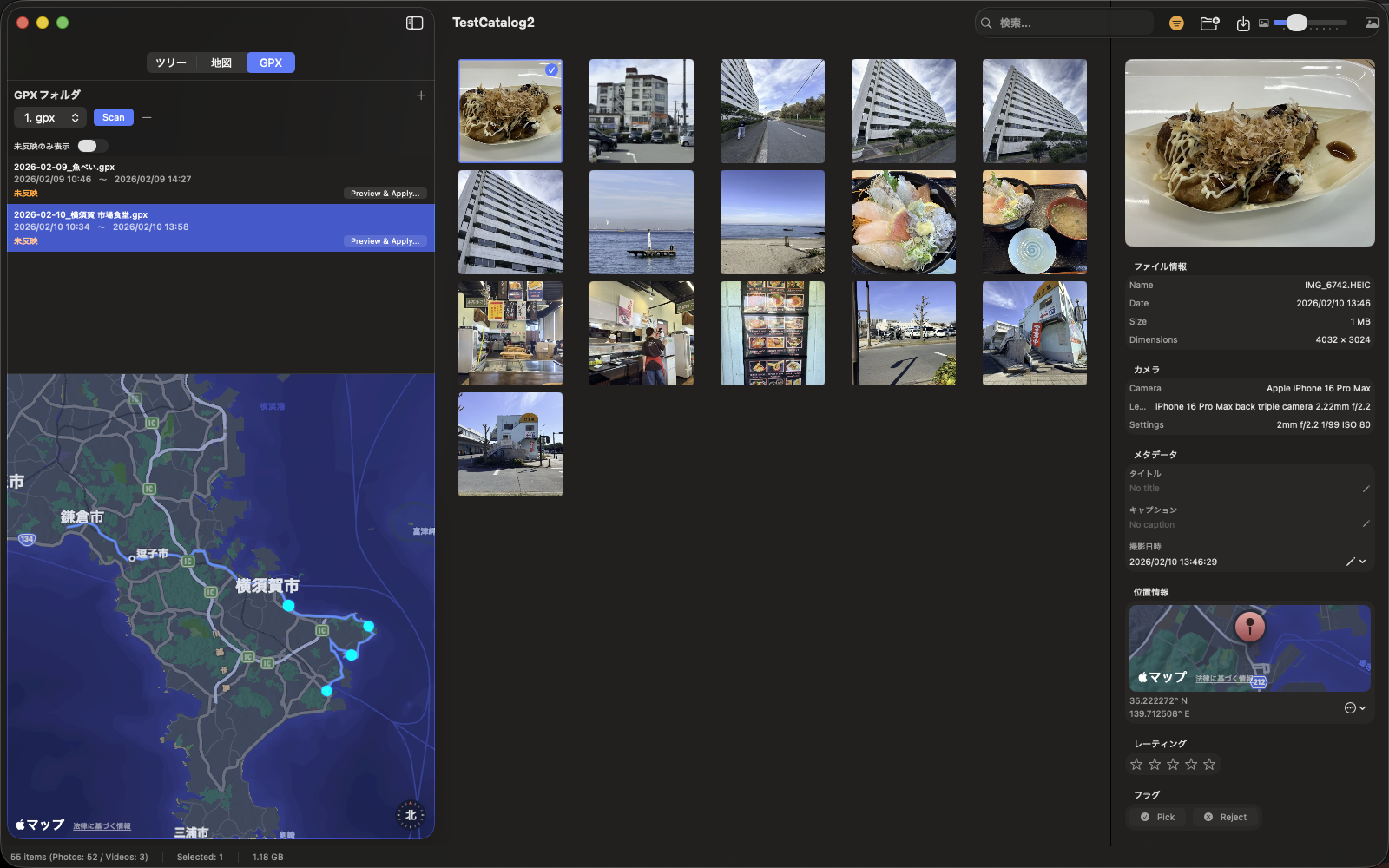
GPX data exported from Vroma can be used in our companion app, Chrova. Filter photos with touring records and review them alongside the map. Your movement and photo moments become one continuous story.
Keep the joy of riding, even after the ride is over.